
Arborist
Git worktrees, made easy.
14-day free trial, then $39 once for all your Macs.
macOS 15+
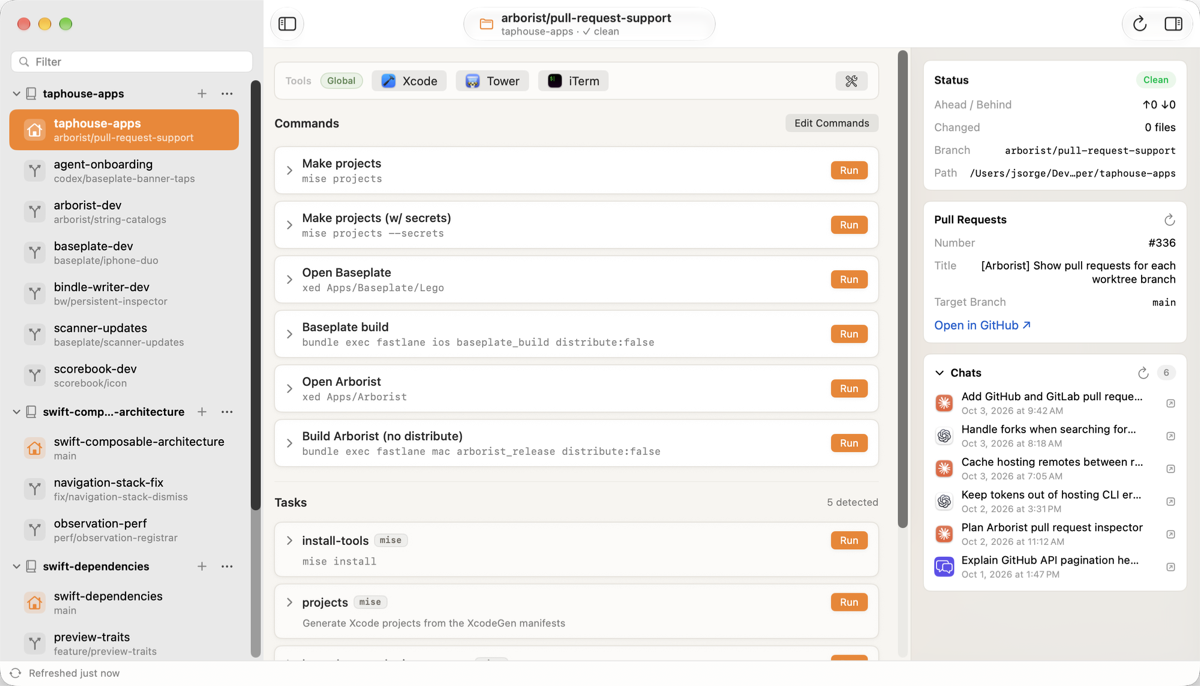
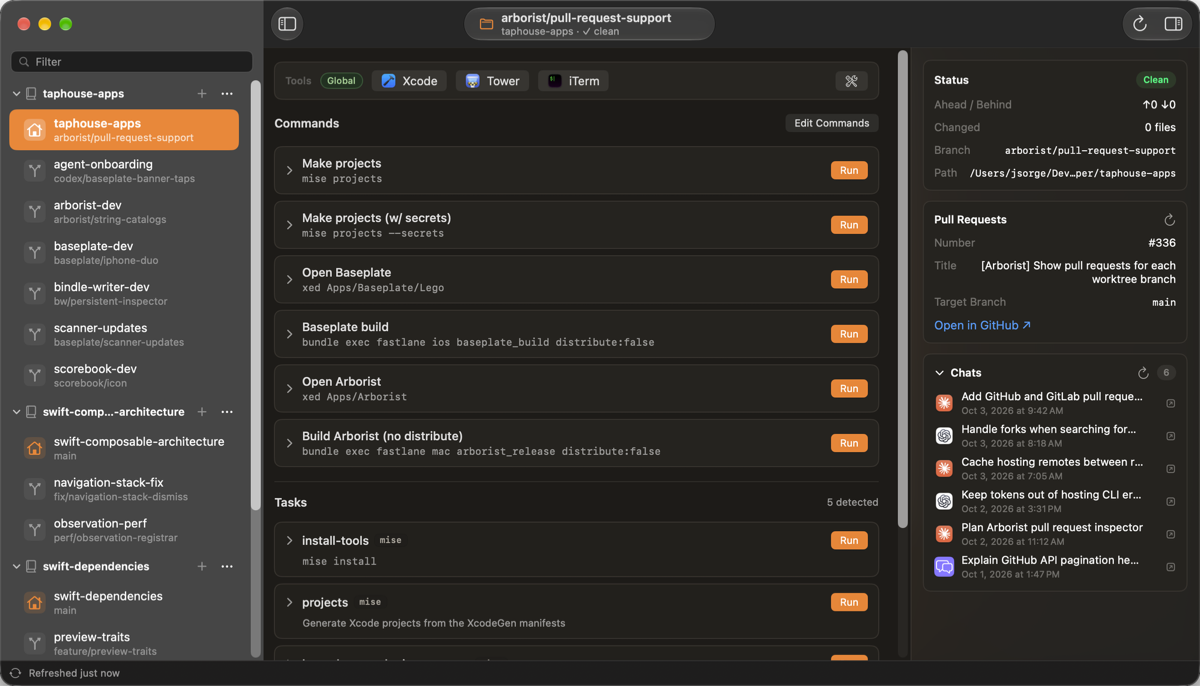
One folder per branch, all in one place.
Git worktrees let you keep a separate folder for each branch, so you never have to stash your work to switch tasks. Arborist gives them a home: add a project and every branch folder shows up, ready to run, open and review.
Add a project and see all of its branch folders automatically
Start a new branch or check out an existing one, with a filter to find it fast
Run your saved commands and your project’s own tasks with one click
Open your editor and other apps on the selected branch in one click
Pick up Claude Code, Codex and Copilot chats right where you left off
See the open pull request for each branch on GitHub or GitLab
Your project’s tasks, one click away.
Arborist finds the tasks your project already defines in Make, mise, npm or just, and lists them below your saved commands. Run them right from the branch you’re working in.
Change a task and the list updates as soon as you save. Long-running tasks can be cancelled reliably, and a badge on the Dock icon shows what’s running and jumps you to anything that failed.
Explore task running →A new branch folder, ready for work.
Already using Grove? Arborist follows your project’s .groverc file when you create a branch folder: it adds your branch prefix and runs your setup commands so the new folder is ready to work in.
Open the file from Arborist and edit it in your own editor. Arborist notices your changes as you save them.
Explore Grove support →See the pull request for any branch.
Sign in to GitHub or GitLab and Arborist shows the open pull request (or merge request) for each branch, with a link straight to it. Branch names and details refresh on their own, so what you see is current.
Set up your accounts →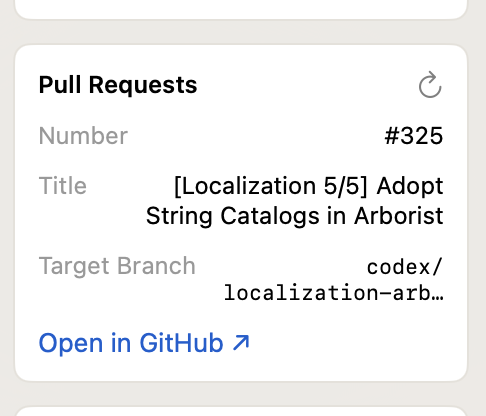
Pick up your AI chats where you left off.
Arborist matches your Claude Code, Codex and GitHub Copilot chats to the branch where they happened. Click one to resume it in your favorite terminal, including iTerm2 and Ghostty. Everything is found on your Mac. Nothing about your chats is sent anywhere.
Every checkout, under control.
14-day free trial, then $39 once for all your Macs.