All Formats
Scan History
One-Click Copy
Your Mac Has a Camera. Let's Put It to Work.
You know that camera sitting at the top of your Mac? The one that only wakes up for video calls? Decoder gives it a new job. Point it at any QR code or barcode—on your screen, a shipping label, that weird product you're trying to identify—and boom, you've got the data. No fumbling for your phone, no squinting at tiny text. Just scan and go.
If It Has Squares or Stripes, Decoder Reads It
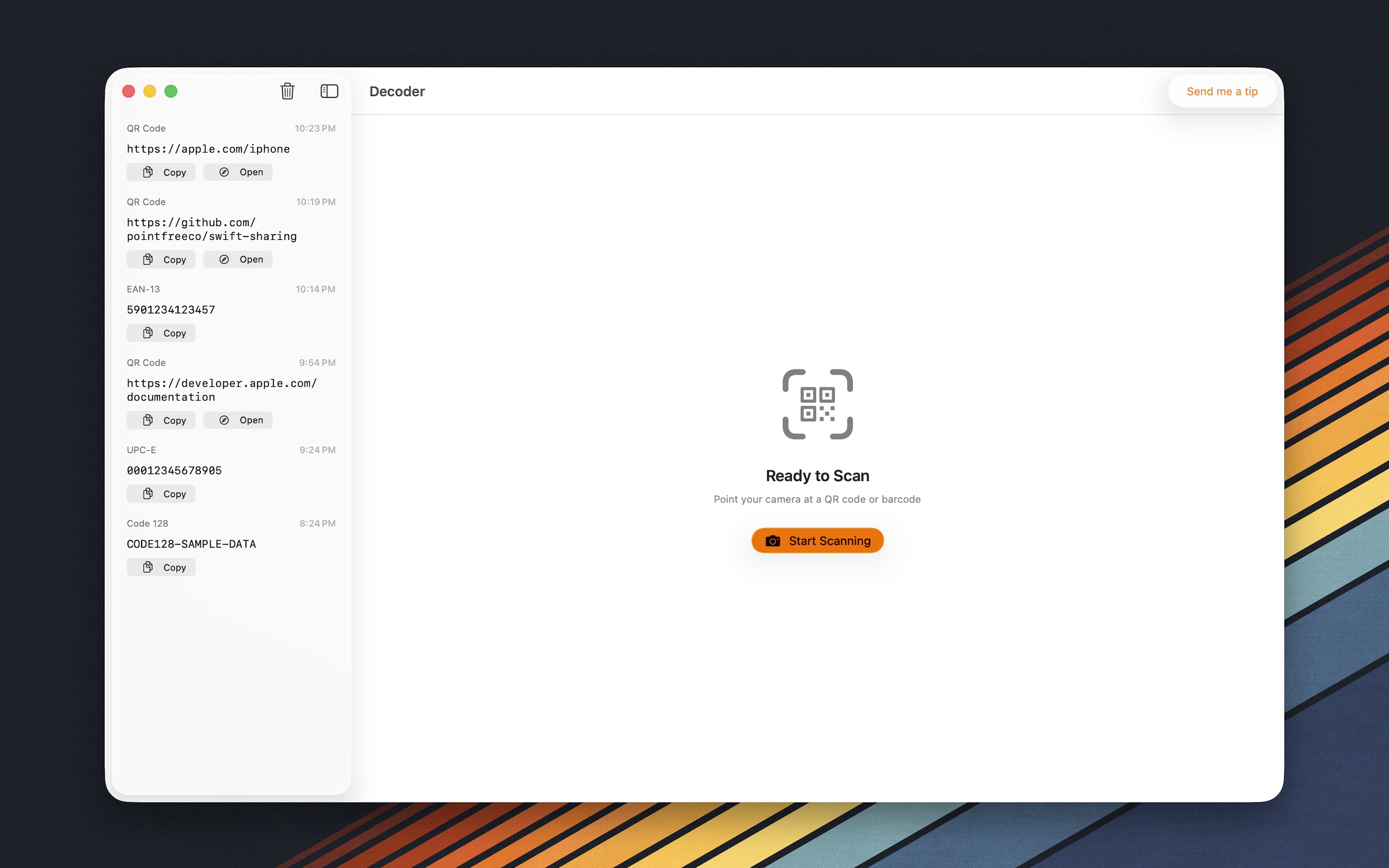
QR codes on concert tickets? Check. Barcodes on that book you want to look up? Check. Those funky Data Matrix squares on your boarding pass? Also check. Decoder handles QR codes, EAN-13, UPC-E, Code 128, Aztec, PDF417, and more. If it encodes information, Decoder decodes it. (Hence the name. We're clever like that.)
One Scan, Endless Possibilities
Decoder doesn't just show you a wall of text and wish you luck. Scanned a URL? Open it in your browser with one click. Got a Wi-Fi QR code? Copy the password instantly—no more crawling behind the router. Product barcode? Grab the number and drop it into a search or spreadsheet. Every scan is one click away from actually being useful.
A History That Never Forgets
Accidentally closed the window after scanning something important? We've all been there. Decoder keeps a history of everything you've scanned, so you can dig up that tracking number from last week or re-copy the Wi-Fi password you definitely didn't write down. Your scans stick around until you don't need them anymore.
Light, Fast, and Out of Your Way
No subscription. No account. No seventeen onboarding screens. Decoder is a small, focused utility that does one thing really well: turning codes into information you can use. Launch it when you need it, forget about it when you don't. Your Mac, your camera, your codes—decoded.